Utility Bill Printing on a Daily Cycle Billing Cadence
By Martin C | September 30, 2026
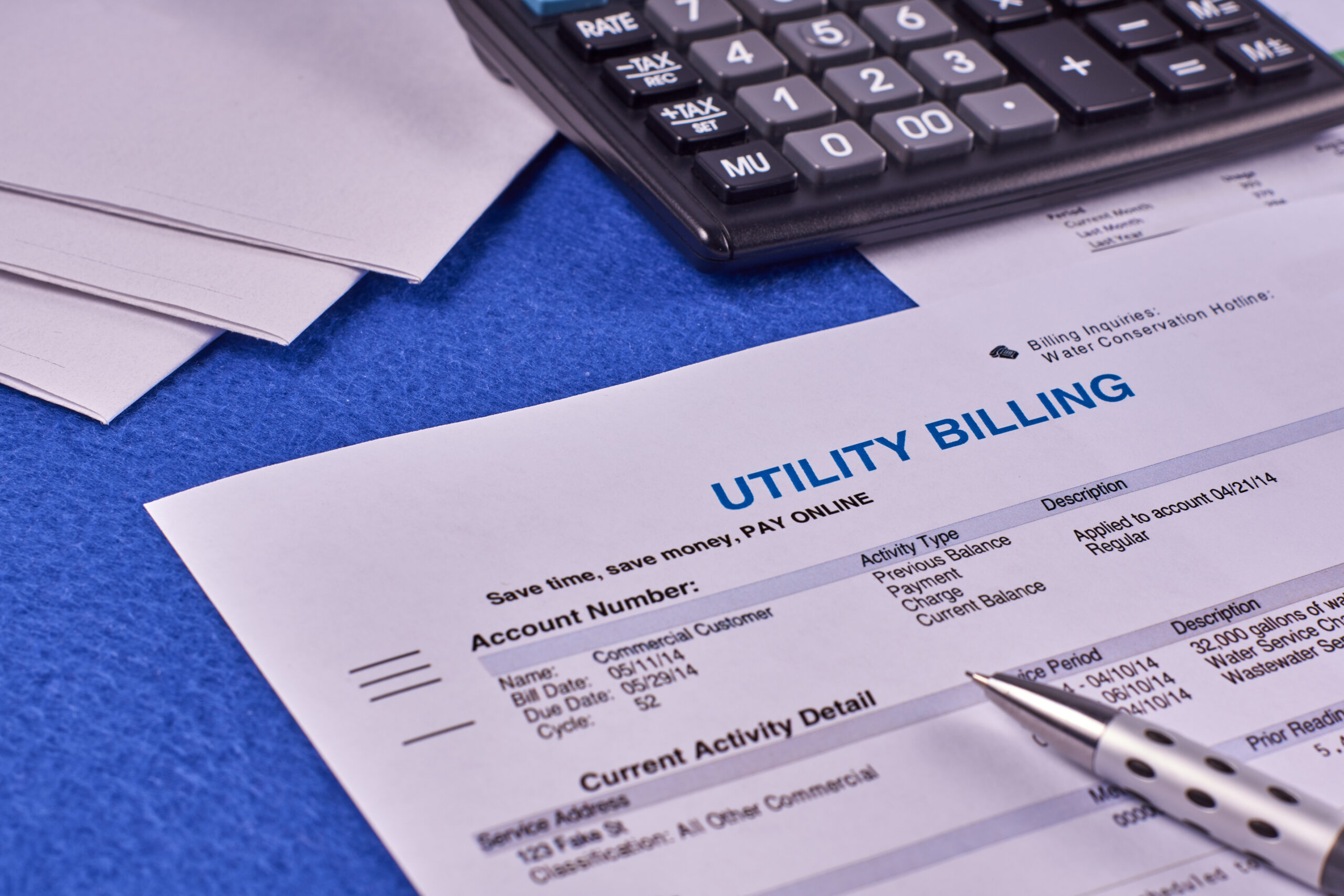
A utility with 400,000 accounts doesn’t print 400,000 bills on the first of the month. On a 20-cycle calendar, customers are split into 20 groups billed on different days, so utility bill printing runs about 20,000 bills on most business days, and each day’s run can carry a different notice, insert, or page count. Miss one day, and a whole cycle of customers gets their bills late.
That daily rhythm is what sets utility bill printing apart from most statement programs. If you need the basics first, start with what statement mail is and how it works.
Run utility bill printing on a daily schedule
Printing runs daily because meter reading does. Field crews or AMI systems (advanced metering infrastructure, or smart meters) read a set of routes on each scheduled day, and each set becomes a billing cycle with its own close, bill, and due dates. Many telecom providers work the same way, spreading bills, calls, and payments across the month instead of one monthly spike.
For your print partner, that means a fresh job every day: same template, but its own data file and insert rules.
How cycle billing works in production
Every cycle follows the same steps, from receiving the file to handing the mail to USPS. On a 20-cycle calendar, all of that can happen the day the file arrives. Most months don’t have exactly 20 business days, so agree on a written rule for which cycle runs on which date.
Example: one day’s cycle for a 400,000-account utility
| Stage | Timing (illustrative) | What happens | Control that protects it |
|---|---|---|---|
| Cycle close | Day 0 | Meter reads for ~20,000 accounts post to the billing system | Estimated-read flags passed in the file |
| File transmission | Day 1, 5:00 a.m. cutoff | Bill file arrives over encrypted transfer | Record count and hash checked on receipt |
| Data prep | Day 1, by 8:00 a.m. | CASS address standardization, NCOA updates, presort | Exceptions held for approval, not dropped |
| Composition | Day 1, by 10:00 a.m. | Bills composed; insert selection flags applied per account | Sample proofs approved against rules |
| Day 1, midday | Variable duplex print, multi-page bills grouped | Page-count validation per account | |
| Insert | Day 1, afternoon | Bill, remittance envelope, and conditional inserts assembled | Camera match of bill to envelope |
| Verify and induct | Day 1, evening | Postal verification and USPS handoff | Pieces in reconciled to records in |
| In-home | Day 2 onward | Delivery within the First-Class Mail window | Intelligent Mail barcode scan tracking |
A quick glossary for the table: CASS and NCOA are USPS programs that standardize addresses and update them when customers move. Presort groups mail by destination for postage discounts. A hash confirms the file arrived unchanged. Induction is handing mail to USPS, and in-home is the day the customer gets the bill.
The file cutoff is the one time that shouldn’t move, because everything after it depends on it. Weekends and holidays shift cycle dates, so make sure your print partner’s calendar matches yours for the full year.
Manage regulatory and disclosure inserts in utility bill mailing
Treat each regulatory notice as a conditional insert that only certain accounts receive: tag those accounts in the data file and log which version each got. State public utility commissions set the rules for bill content and notices, and they vary by state; NARUC’s member list of state public utility commissions will point you to yours.
Common regulated content on utility bills:
A notice that must reach every customer has to run in every cycle for a full month, so set start and stop dates in cycles, not calendar days. A jurisdiction or rate-class flag on each record tells the inserter which notice to pull, a form of variable data printing. For regulated notices and other transactional products, log which version ran in which cycle for which accounts, so an audit takes one report.
Absorb seasonal volume swings without missing cycles
Plan for heavier bills, not just more of them. The U.S. Energy Information Administration has documented that residential electricity demand peaks in both winter and summer, bringing longer bills, budget billing offers, assistance notices, storm inserts, and more past-due notices. A few ways to stay ahead:
In-house shops sized for an average month often struggle at peak, which is one reason utilities outsource utility bill printing and mailing. Whoever does the printing, write the service-level agreement (SLA) in cycle terms, for example: any file received by cutoff goes to USPS the same day, every month.
Keep recurring bills accurate and easy to pay
Reconcile every run, every day. A count that’s off on Day 1 is one file to fix; at month-end, it’s customers holding wrong bills. Each cycle should end with records sent matching pieces printed, inserted, and handed to USPS, with exceptions logged by account. Start with the data (statement mail accuracy), then production (quality control process), and keep a documented chain of custody for regulated data.
USPS Informed Visibility uses Full-Service Intelligent Mail data to give mailers near real-time tracking, so when a customer asks where their bill is, your agent can see when and where it was scanned.
To make bills easy to pay, include a clear remittance coupon with a scanline (the machine-readable payment line), a return envelope, and an online payment option. Stop printing for paperless customers, record who was suppressed and why, and keep mailing any notices they’re still required to get. A governed hybrid model for print suppression and paperless statements shows how to do that by cycle.
Mailing.com handles print, inserting, and USPS verification in-house
At Mailing.com, we handle printing, inserting, and on-site USPS verification in-house, and we schedule our utility print and mail programs around your billing cycle calendar. Camera and barcode verification checks every piece against its record, and on-site verification saves your campaign an average of 30 hours of wait time at the USPS.
We run six production facilities, including mirrored sites that keep production going during peak demand, such as a winter peak or storm week. Production runs in SOC 2 Type II audited, ISO 27001-certified, HIPAA-compliant environments, with PCI DSS compliance for bills that carry payment details.
FAQ
How are rate-change notices added to utility bills?
Usually as conditional inserts or bill messages, chosen by a rate-class or jurisdiction flag in each account’s data.
How do seasonal peaks affect utility bill printing?
Bills get more pages, inserts, and postage weight on top of higher volume. Stock early, check insert weights, and keep spare daily capacity.
Do telecom statements follow the same model?
Yes. Most carriers bill on fixed cycle dates, and federal truth-in-billing rules govern how charges and contact details appear.
What should a utility look for in a cycle billing print partner?
A schedule that follows your cycle calendar, a daily count check on every run, and a documented chain of custody from file intake to USPS.