Member ID Card Printing for Health Plan Onboarding
By Martin C | September 1, 2026
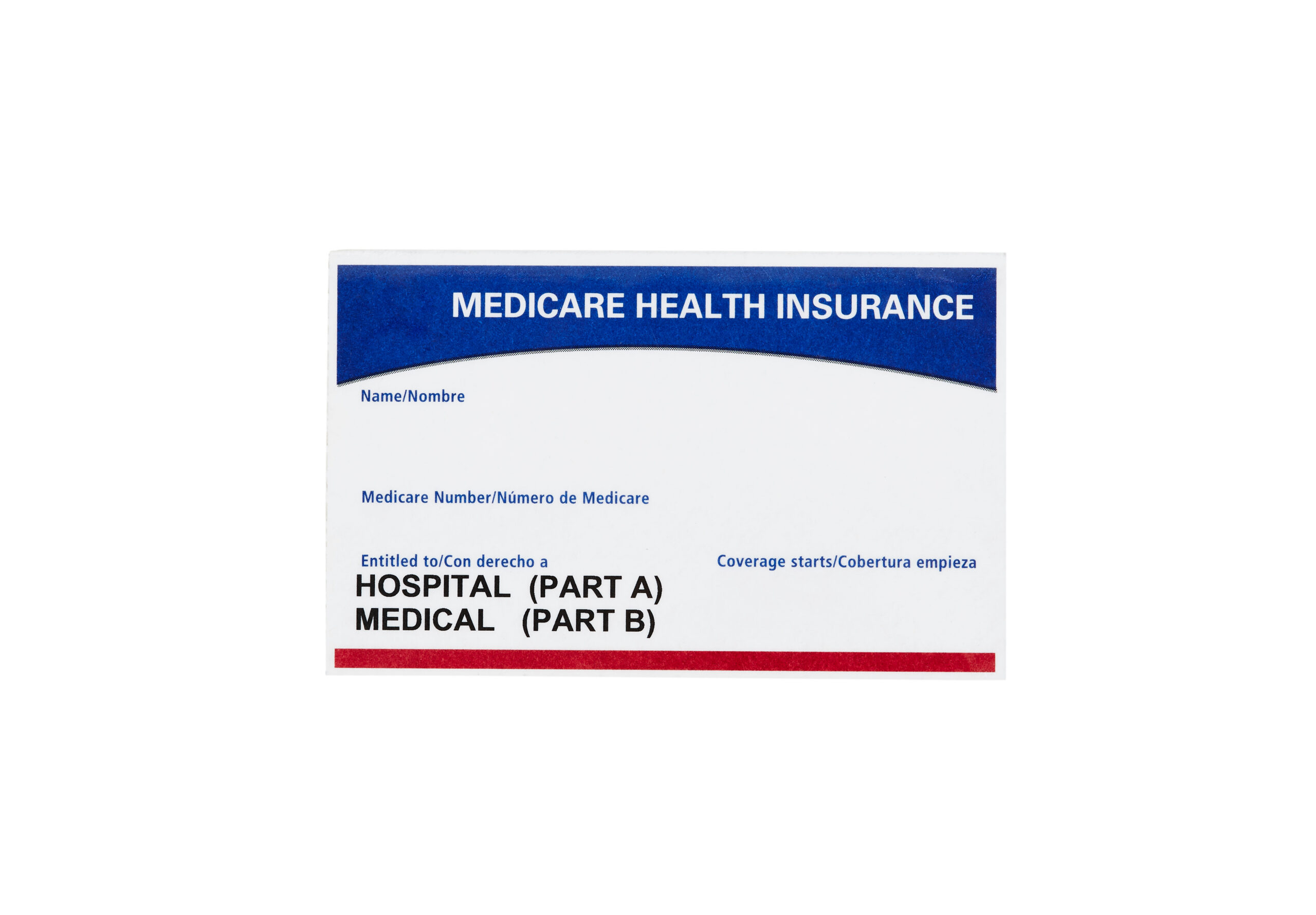
The ID card is the first thing a new member physically holds from their health plan, and it sets the tone for the next twelve months. It goes in a wallet, gets pulled out at the pharmacy counter, and shows up at the front desk before an appointment. If the card is wrong, or worse, if it belongs to someone else, the plan has a customer experience problem and a reportable privacy event before the member even uses their coverage. That’s why member ID card printing and welcome kit fulfillment deserve the same care a plan puts into claims and Explanation of Benefits mail.
Here is the part that catches people off guard: member ID cards carry Protected Health Information (PHI). Names, member and group identifiers, and the connection to a specific health plan all qualify as individually identifiable health information under the HIPAA Privacy Rule at 45 CFR Part 164. That one fact shapes everything downstream, from data controls to matching logic to the way a mismatch gets treated. Get the card right and onboarding starts on solid ground. Get it wrong and the relationship opens with a breach notice.
Mailing.com has been producing healthcare communications for hospitals, health plans, and medical groups for nearly 80 years, so card-to-carrier matching is familiar territory for the team, especially during open enrollment. This guide walks through what goes on the card, how matching works, how the welcome kit comes together, and why a mismatch is a compliance problem, not just a printing error. For the broader picture of secure healthcare production, see the Mailing.com overview of healthcare print and mail.
What goes on a member ID card, and the data that keeps it accurate
A member ID card packs a lot into a small space. Every field traces back to a specific record in the plan’s eligibility file. You will typically see the member’s name, member ID, group number, plan or product name, and dependent names where the plan issues one card per family. Many cards also carry pharmacy routing fields on the front or back.
Those pharmacy fields are not just filler. The RxBIN routes a pharmacy claim to the correct processor, the RxPCN directs it to the right plan or benefit within that processor, and the group number ties the claim to the sponsoring employer or plan. Medicare Part D spells this out: each Part D sponsor must assign and exclusively use a unique BIN or RxBIN and processor control number (PCN) combination plus a cardholder ID (RxID) to clearly identify Medicare Part D beneficiaries, per 42 CFR §423.120(c)(4), so pharmacies can route claims correctly. A transposed RxBIN does not just look wrong. It sends a member home from the pharmacy without their prescription.
Accuracy starts with the data, not the press. Here are the controls that keep cards correct:
How card-to-carrier match integrity works
Card-to-carrier match integrity is a simple idea: the personalized card and the carrier letter it ships inside must both belong to the same member. It is the core of secure ID card fulfillment. A member should never open a welcome envelope and find someone else’s card, and the way to prevent that is mechanical, not manual.
Think of it this way: the card and the carrier are two personalized pieces that have to stay paired through printing, folding, and inserting. Each one carries a matching identifier, usually a barcode or 2D code tied to the member record. As the pieces converge at the inserter, a camera or scanner reads both codes and compares them in real time.
The control logic runs on every single record:
The result is a closed loop. No envelope seals unless the card inside matches the carrier addressed to that member. After the run, reconciliation reports confirm every record in the file was accounted for, either mailed or diverted, with nothing left unexplained. That’s the difference between hoping a mailing went out correctly and being able to prove it.
Running this in-house makes a real difference. When the card-carrier match happens on the same floor as printing, inside a facility with biometric access controls, encrypted data handling, and SOC 2-audited security, there is no handoff to an outside inserter where a mismatch could slip through. Every stage from data intake to USPS induction is logged and tied to a named person, so verified matching becomes a standard part of the workflow rather than something you pay extra for.
Assembling the welcome kit from plan and member data
A welcome kit is not a one-size-fits-all package. Two members in different plans should receive different kits, and the logic that decides what goes in each envelope pulls from the same eligibility and plan data used to personalize the card.
A typical welcome kit includes a defined set of components, some required for every member and some conditional on the plan or member attributes:
| Component | Purpose | Assembly logic |
|---|---|---|
| Member ID card | Proves coverage; carries PHI and routing data | Every member; matched to carrier |
| Carrier letter | Personalized welcome and instructions | Every member; matched to card |
| Summary of Benefits | Explains coverage, cost-sharing, and limits | Plan-specific version |
| Provider or network pointer | Directs member to the correct network or directory | Conditional on plan network |
| Required regulatory inserts | Notices the plan must include | Conditional on plan, state, or product |
Conditional assembly is where accuracy is won or lost. An HMO member should get the HMO network pointer, not the PPO version. A plan that operates in two states may need different inserts by jurisdiction. The insertion system picks the right components per record, and the same scan verification that protects the card-to-carrier pairing confirms the correct inserts made it into each envelope.
Why a card-to-carrier mismatch is a breach, not just an error
A card or carrier mismatch is not just an operational hiccup. It is a reportable privacy event because it exposes one member’s PHI to another person. When Member A opens an envelope and finds Member B’s card, that is an unauthorized disclosure, exactly what the HIPAA Privacy Rule exists to prevent. The mistake may look small on the production floor, but it lands hard in the regulatory file.
Here is what that looks like in practice. Under the HHS Breach Notification Rule, a breach of unsecured PHI triggers notification to affected individuals and to the Secretary of HHS. If 500 or more people are affected, the plan has to report it within 60 days, and the breach goes on the public HHS breach portal. Paper mail counts as unsecured PHI because HHS guidance specifies only encryption and destruction as methods that render PHI unusable, unreadable, or indecipherable, and a printed card satisfies neither. A card swap across a large onboarding file is not a single error. It is a population-scale disclosure.
This is why matching has to live in the production workflow, not in a post-mail apology. Once a card reaches the wrong mailbox, there is no getting it back. For a deeper look at how print and mail programs prevent disclosures, see the Mailing.com guide to HIPAA-compliant direct mail for healthcare. And for how vendor certifications map to these obligations, the comparison of HITRUST, SOC 2, and HIPAA is a good place to start.
Verified onboarding fulfillment, handled in-house
Getting a member’s first mailing right touches data, production, and compliance all at once. Treating those as one system is what keeps onboarding accurate.
Mailing.com handles all of this from its Phoenix facility, with mirrored production sites for redundancy. The workflow personalizes each card with variable data printing, verifies card-to-carrier matching with scan-based divert-on-mismatch control, assembles welcome kits from plan and member data, and inducts the mailing through a permanent Detached Mail Unit for on-site USPS verification. PHI is encrypted in transit via SFTP with multi-factor authentication, processed under role-based permissions, and scrubbed after the job is complete. The facility carries a SOC 2 certification renewed annually, and production controls align to NIST CSF 2.0.
If you are exploring member ID card printing or welcome kit fulfillment, request a quote and the Mailing.com team will walk you through the production timeline and matching controls.
Frequently asked questions
What information is printed on a member ID card?
A typical card includes the member’s name, member ID, group number, plan name, and dependent names. Most cards also carry pharmacy routing fields (RxBIN, RxPCN, RxGroup) so pharmacies can process prescription claims correctly.
Why is a member ID card considered PHI?
The card ties a named individual to a specific health plan, which qualifies as individually identifiable health information under the HIPAA Privacy Rule at 45 CFR Part 164. That classification means every step of printing and fulfillment has to meet HIPAA’s privacy and security requirements.
What is card-to-carrier match verification?
It is the process of confirming that a personalized ID card and the carrier letter it ships inside belong to the same member. A scanner compares barcodes on both pieces at the inserter in real time and diverts any mismatch to a reject bin rather than sealing and mailing it.
What happens if a member receives the wrong ID card?
That is an unauthorized disclosure of PHI, which triggers the HHS Breach Notification Rule. The plan has to notify affected individuals and the Secretary of HHS. If 500 or more people are involved, the plan must report it within 60 days and the breach goes on the public HHS breach portal.
Can welcome kit contents vary by plan or state?
Yes. The insertion system selects components like the Summary of Benefits, provider directory pointers, and regulatory inserts based on the member’s plan type, network, and state. Scan verification confirms the correct inserts went into each envelope.
How does in-house production reduce the risk of a mismatch?
When printing, matching, inserting, and USPS induction all happen under one roof, there is no handoff to an outside vendor where a sequence error could go unnoticed. Every stage is logged, and the facility’s HIPAA and SOC 2 certifications cover the entire workflow, not just one piece of it.